

.svg)

Best Asset Tracking Software for Small Business in Canada
.svg)

%201.svg)
Introduction
Most small businesses in Canada start tracking employee equipment the same way: a shared spreadsheet, a few sticky notes, and the hope that everyone will return their laptop when they leave. That system works until it doesn't, and for growing teams of 10 to 100 employees, the breaking point arrives faster than expected. Asset tracking software for small business in Canada solves this by giving founders and ops leads a single, reliable record of every device, accessory, and piece of equipment assigned across the team. The real cost of lost or unrecovered assets is not just the replacement price; it is the hours spent chasing down who had what and when.
Key Takeaway: Small businesses that outgrow spreadsheets need affordable, HR-integrated asset tracking software that records equipment assignments, automates accountability, and fits naturally into existing team workflows without requiring enterprise budgets or IT departments.
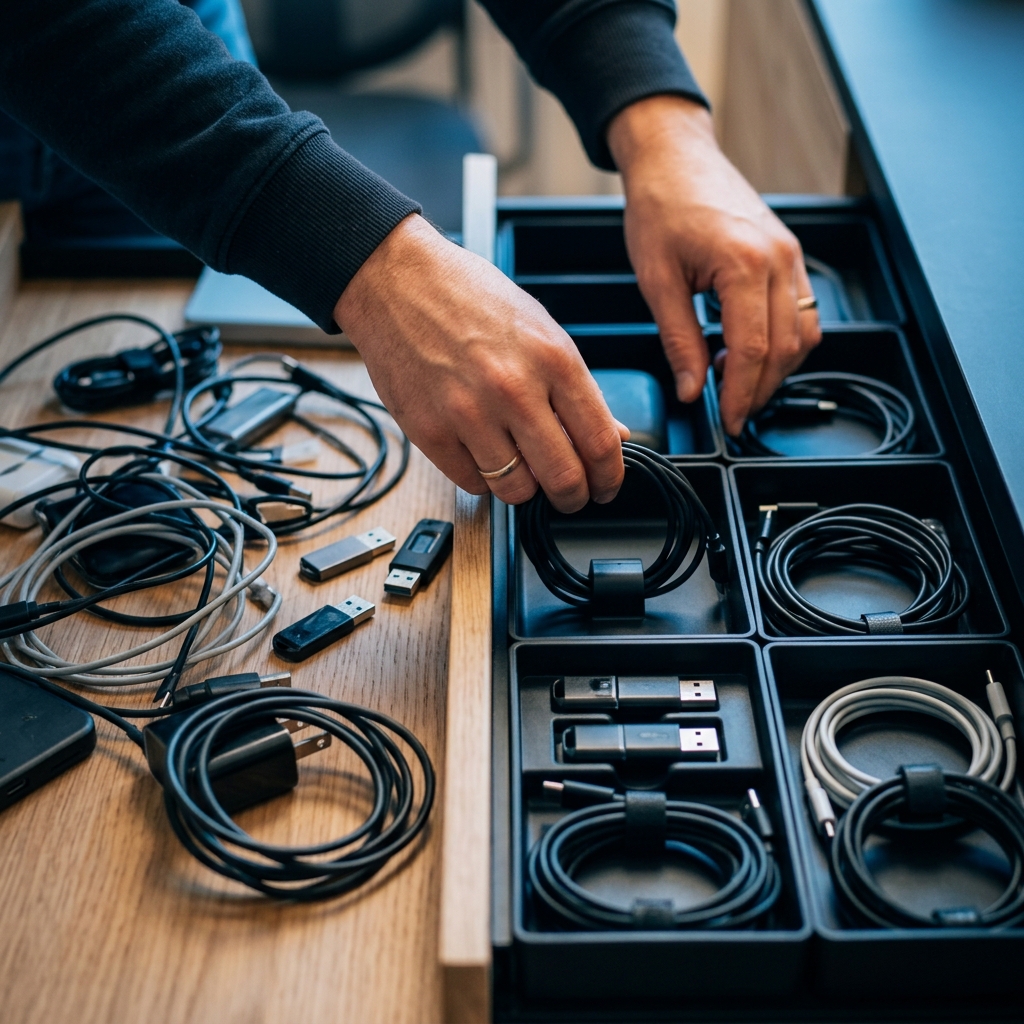
Why Asset Tracking Matters for Canadian Small Businesses
When a company has five employees, the founder usually knows where every laptop is. At twenty, that visibility disappears. At fifty, it becomes a liability. Canadian small businesses, especially those scaling in Ontario and Quebec, face a unique combination of hybrid work policies, distributed hiring, and tight operating budgets that make informal asset management unsustainable.
The Real Cost of Losing Track of Equipment
Untracked equipment creates compounding problems. Devices go missing during offboarding because no one recorded the assignment. Duplicate purchases happen because teams cannot confirm whether a monitor or headset is already in inventory. For businesses operating under Canadian tax regulations, unrecorded assets also create headaches during year-end audits and CRA reporting. An employee asset tracking system eliminates the guesswork by centralizing every assignment with timestamps, condition notes, and return records.
Offboarding gaps: Without assignment records, recovering equipment from departing employees becomes a negotiation rather than a process
Duplicate spending: Teams repurchase items already sitting unused in a storage closet because no one can verify current inventory
Audit risk: Canadian businesses need clear asset records for depreciation schedules and tax reporting to the CRA
Security exposure: Untracked devices containing sensitive data create compliance and privacy risks under Canadian regulations
Time drain: Ops leads spend hours each month manually reconciling who has what instead of focusing on growth
Why Spreadsheets Stop Working After 10 Employees
Spreadsheets are free and familiar, which is exactly why most small teams start with them. The problem is that spreadsheets rely entirely on manual discipline. Someone has to remember to update a row every time a laptop is handed out, returned, or replaced. At ten employees, that might work. At thirty, it falls apart because multiple people edit the same file, entries get skipped during busy weeks, and there is no automatic connection between the asset record and the employee profile. The result is a document no one fully trusts, which is functionally the same as having no record at all. Switching from spreadsheets to purpose-built software is the single most impactful step a growing team can take for operational clarity.
What to Look for in Asset Tracking Software
The asset tracking market includes everything from barcode-heavy warehouse systems to lightweight tools built for office equipment. For a Canadian small business, the right tool is not the one with the most features. It is the one that fits into the workflows the team already uses, without requiring a dedicated IT administrator to set up or maintain.
Key Features That Actually Matter for Small Teams
Enterprise asset tracking solutions often include capabilities like RFID scanning, GPS-based location tracking, and multi-warehouse inventory management. Most of these are irrelevant for a 30-person startup that just needs to know which team member has which laptop assigned to them. The features that matter most for SMBs are straightforward. First, the ability to link each asset directly to an employee profile so that assignments are never ambiguous. Second, automated reminders and workflows that trigger during onboarding and offboarding. Third, a simple dashboard that gives founders or ops leads a real-time view of all company equipment without digging through multiple systems. According to a comprehensive overview of asset tracking approaches, the shift from manual record-keeping to digital tracking software dramatically reduces lifecycle management errors, regardless of company size.
Price is another critical factor. Many tools in this space charge per asset or per user at rates that only make sense for companies with hundreds of employees and large IT budgets. For teams of 10 to 100, affordable asset tracking software that bundles with existing HR tools delivers better value than a standalone platform that creates yet another login and another monthly bill. The ability to understand the full cost breakdown before committing is essential for budget-conscious founders.
Why HR Integration Changes Everything
Standalone asset tracking tools solve the recording problem, but they create a new one: data silos. When asset records live in one system and employee records live in another, the two inevitably drift apart. An employee leaves, their profile gets archived in the HR system, but their asset assignments sit untouched in a separate tool that nobody checks. HR asset management software that integrates tracking directly into the employee lifecycle, from onboarding through offboarding, closes this gap automatically. When the two systems share data, every personnel change triggers an asset review, and nothing slips through the cracks. This kind of all-in-one platform approach is particularly valuable for small teams where one person often handles both HR and operations.

Choosing the Right Solution for Your Team
With so many options available, narrowing down the right asset tracking solution comes down to three questions. Does it fit the team's current size and budget? Does it connect to existing HR workflows? And can it be set up and adopted without requiring technical expertise or weeks of onboarding?
What Canadian Small Businesses Should Prioritize
For startups and SMBs in Ontario and Quebec, local compliance and language support matter more than most global comparison guides acknowledge. A tool that handles bilingual records, aligns with Canadian small business operational realities, and stores data in compliance with provincial privacy regulations is immediately more useful than a flashy international platform that treats Canada as an afterthought. Beyond compliance, the practical priority for most small teams is speed to value. The best solutions let an ops lead import a list of current assets, assign them to employee profiles, and have a working system by the end of the afternoon.
Teams that are evaluating their options should also consider whether they are solving just the asset problem or a broader set of HR pain points. If leave management, employee records, and core HR features are also running on scattered tools, consolidating into a single platform that covers all of these functions is more efficient than stitching together multiple point solutions. KollabHR was built specifically for this scenario: Canadian teams of 10 to 100 that need asset tracking as part of a broader, people-first HR platform rather than as a standalone tool that adds more complexity.
Making the Transition from Manual Tracking
The transition from spreadsheets to software does not need to be a multi-week project. Start by exporting the current asset list, however messy it is, and importing it into the new system. Assign each asset to its current holder and fill in basic details like device type, serial number, purchase date, and condition. From there, establish a simple rule: every new equipment assignment or return gets logged in the system, not the spreadsheet. Within a few weeks, the software becomes the single source of truth. For teams using modern HR software, this process becomes even smoother because employee profiles already exist and assets simply get linked to them. The key is to start imperfectly and refine as the team grows, rather than waiting for a perfect inventory count that never happens.
Conclusion
Growing Canadian small businesses cannot afford to keep tracking equipment on spreadsheets and good faith. The right asset tracking software removes ambiguity from equipment assignments, protects the business during offboarding, and gives founders and ops leads visibility they can actually trust. For teams that want tracking built into their HR workflow rather than bolted on as a separate tool, KollabHR offers exactly that: simple, affordable HR software with asset management designed for teams of 10 to 100.
Ready to stop losing track of company equipment? Get started with KollabHR and bring clarity to every asset assignment.
Frequently Asked Questions (FAQs)
What is the best asset tracking software for small businesses?
The best option is one that integrates directly with your HR system so asset assignments stay connected to employee profiles, rather than a standalone tool that creates another data silo.
How do I track employee equipment in Canada?
Use a digital asset tracking system that logs each device assignment to a specific employee with details like serial number, condition, and issue date, replacing manual spreadsheets with a searchable, centralized record.
Can HR software include asset tracking?
Yes, several modern HR platforms now bundle asset tracking as a built-in feature, which keeps equipment records automatically linked to employee onboarding and offboarding workflows.
How to assign equipment to team members?
Log each piece of equipment in your tracking system with its identifying details, then assign it to the team member's profile so that both the employee and the administrator can see what has been issued and when.
Can asset tracking reduce equipment loss?
Absolutely, because a clear digital record of who holds what creates accountability and ensures that offboarding checklists automatically include equipment recovery steps.
How much does asset tracking software cost for small business?
Costs range widely from free spreadsheet templates to $5 to $15 per user per month for dedicated tools, but the best value for SMBs comes from HR platforms that include asset tracking within their existing subscription.
Asset tracking software vs spreadsheets: which is better for small teams?
Dedicated software is better for any team beyond 10 employees because it eliminates manual entry errors, connects assets to employee records automatically, and provides a reliable audit trail that spreadsheets simply cannot maintain.








.svg)
.svg)
.svg)
.svg)

