






 SlackLive
HR answers, right in your Slack channel.
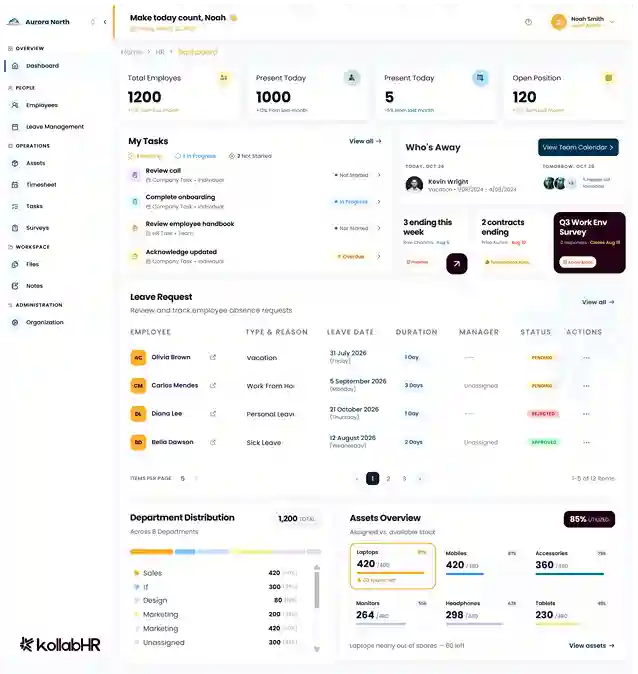
See who's on leave, your records, and team info — surfaced in the workspace your team already uses, no tab-switching.
KollabHR gives HR and admin teams a conversational way to access company HR context—and can extend that experience into the tools your team already uses. AI also screens résumés, analyses survey answers and flags who may be at risk of leaving.
Ask about employee information, leave, organisation structure and HR notes in plain language, using the context already managed inside KollabHR.


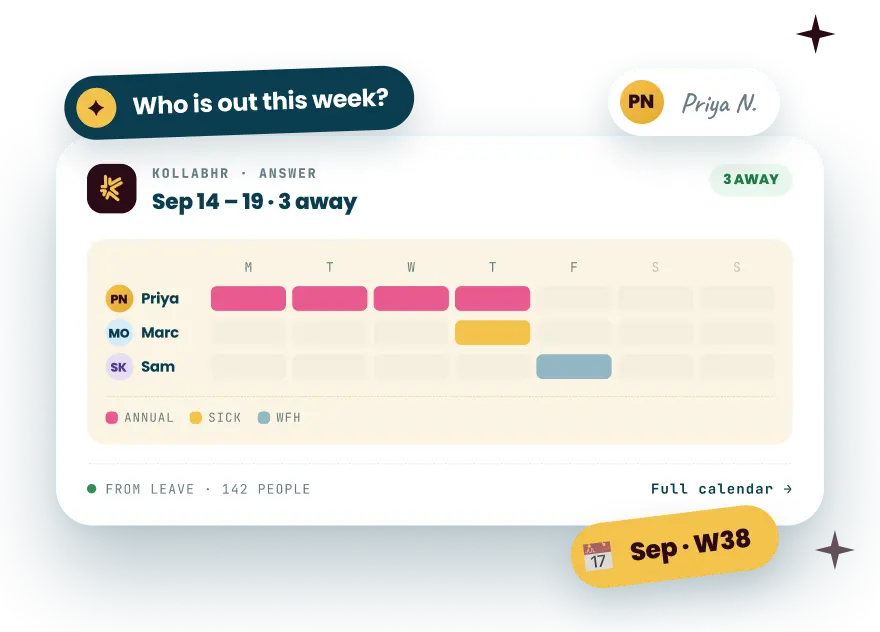
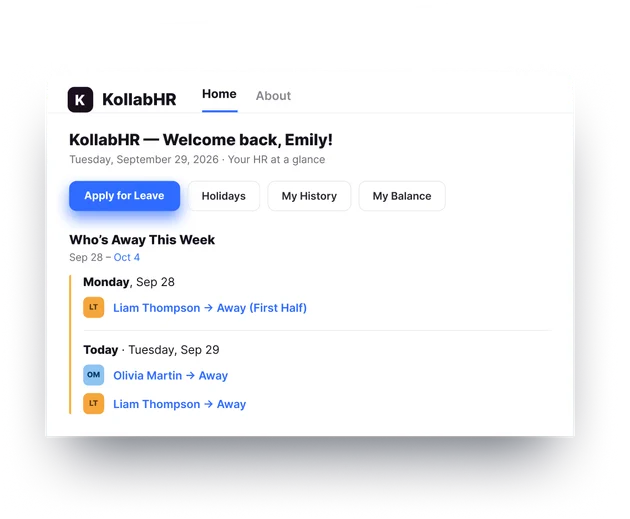
3 people are away next week.
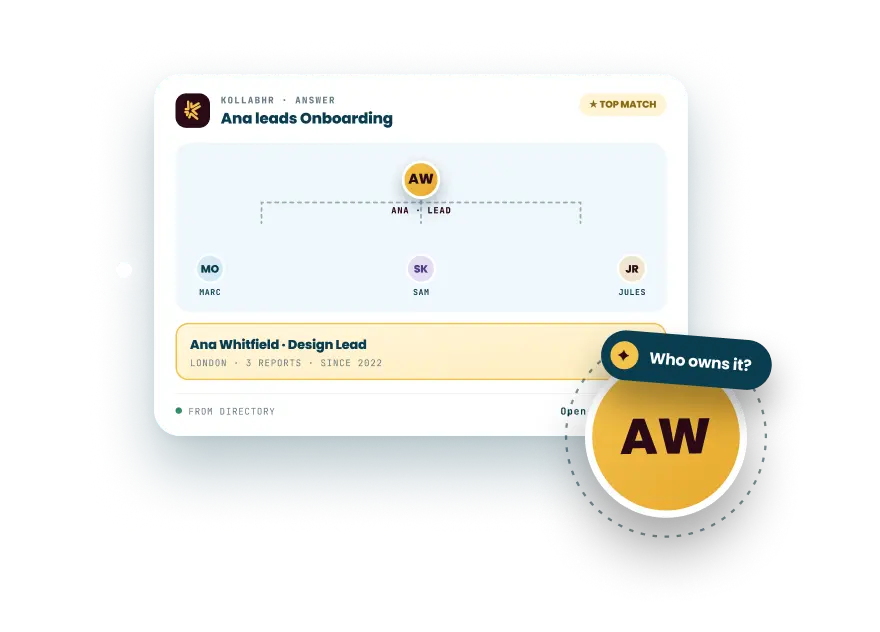
6 people in Product, reporting to Ana Whitfield.
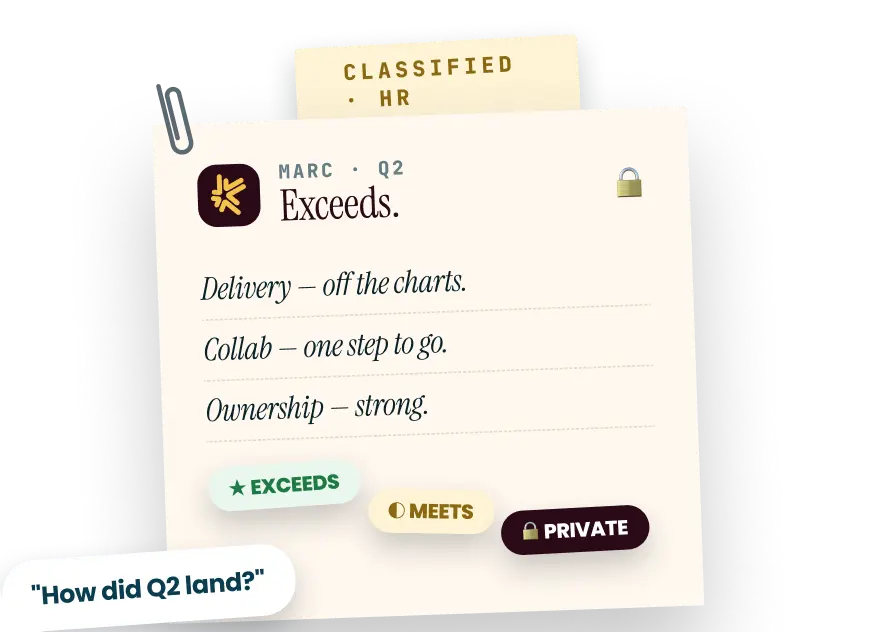
3 notes on Marc Oyelaran since Aug 12.
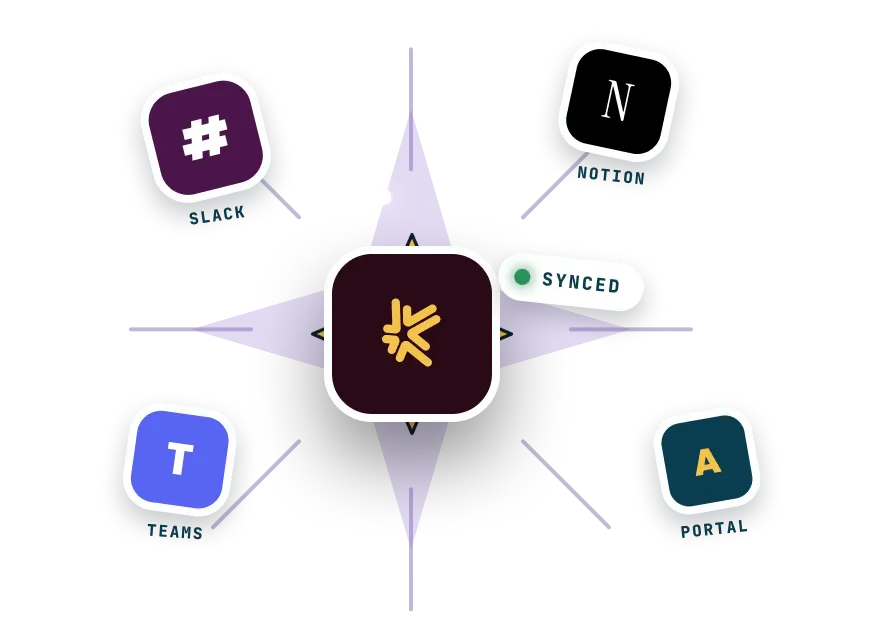
Bring KollabHR into the tools your team already uses so the same HR questions do not require another login, tab or workflow.


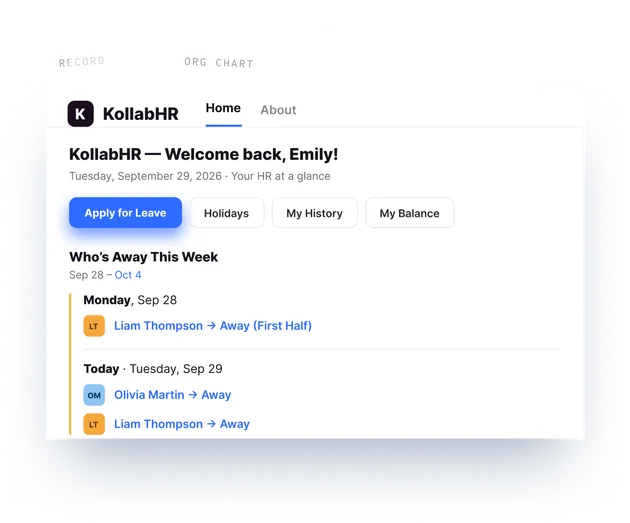
“Who's on leave next week?”
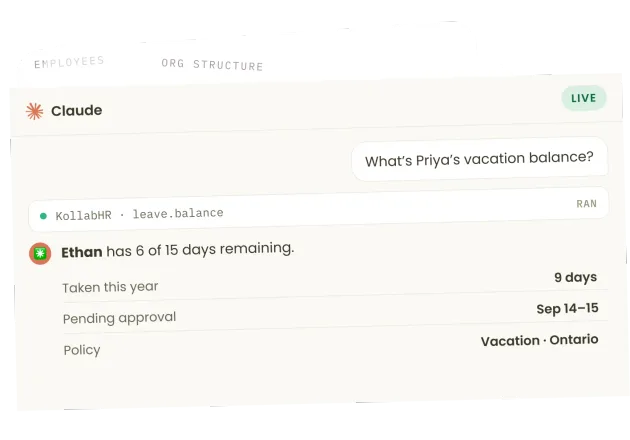
“What's Ethan's vacation balance?”
“How is the team structured?”
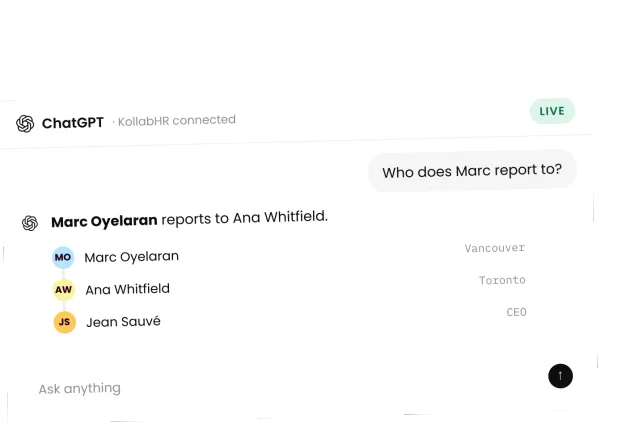
“Who does Marc report to?”
SlackLiveSee who's on leave, your records, and team info — surfaced in the workspace your team already uses, no tab-switching.
ClaudeLiveConnect through MCP and ask Claude about your team — employee details, leave balances, org structure — answered straight from your KollabHR data. No tab-switching, no exports.
TeamsLivePeople, leave, and org info surfaced straight in Teams, so it's there when your team needs it.
ChatGPTLiveAsk ChatGPT about your people and get answers pulled from KollabHR — records, time off, and reporting lines — without leaving the chat you're already in.
Ask in plain language, get the full HR context, and take the next action — without leaving the tools you already use.
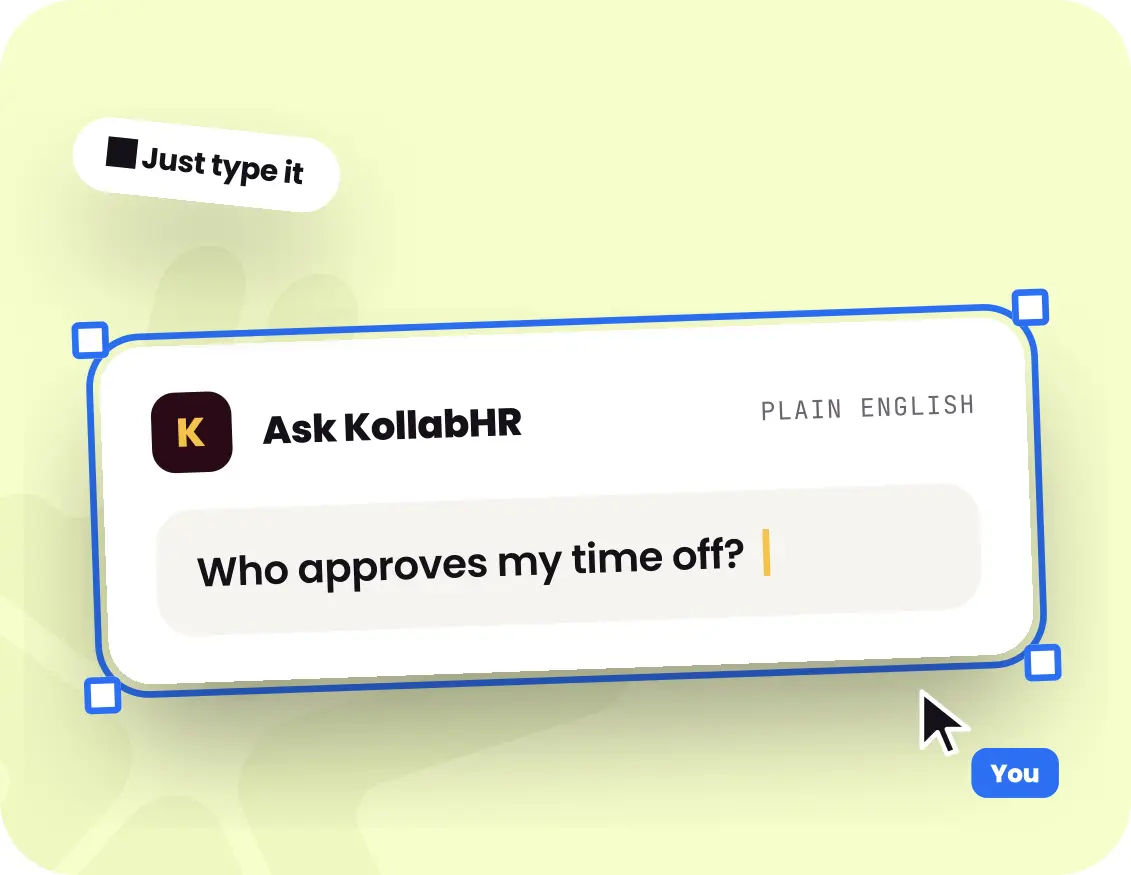 Ask
Type it the way you'd say it — no filters, no fields, no HR jargon.
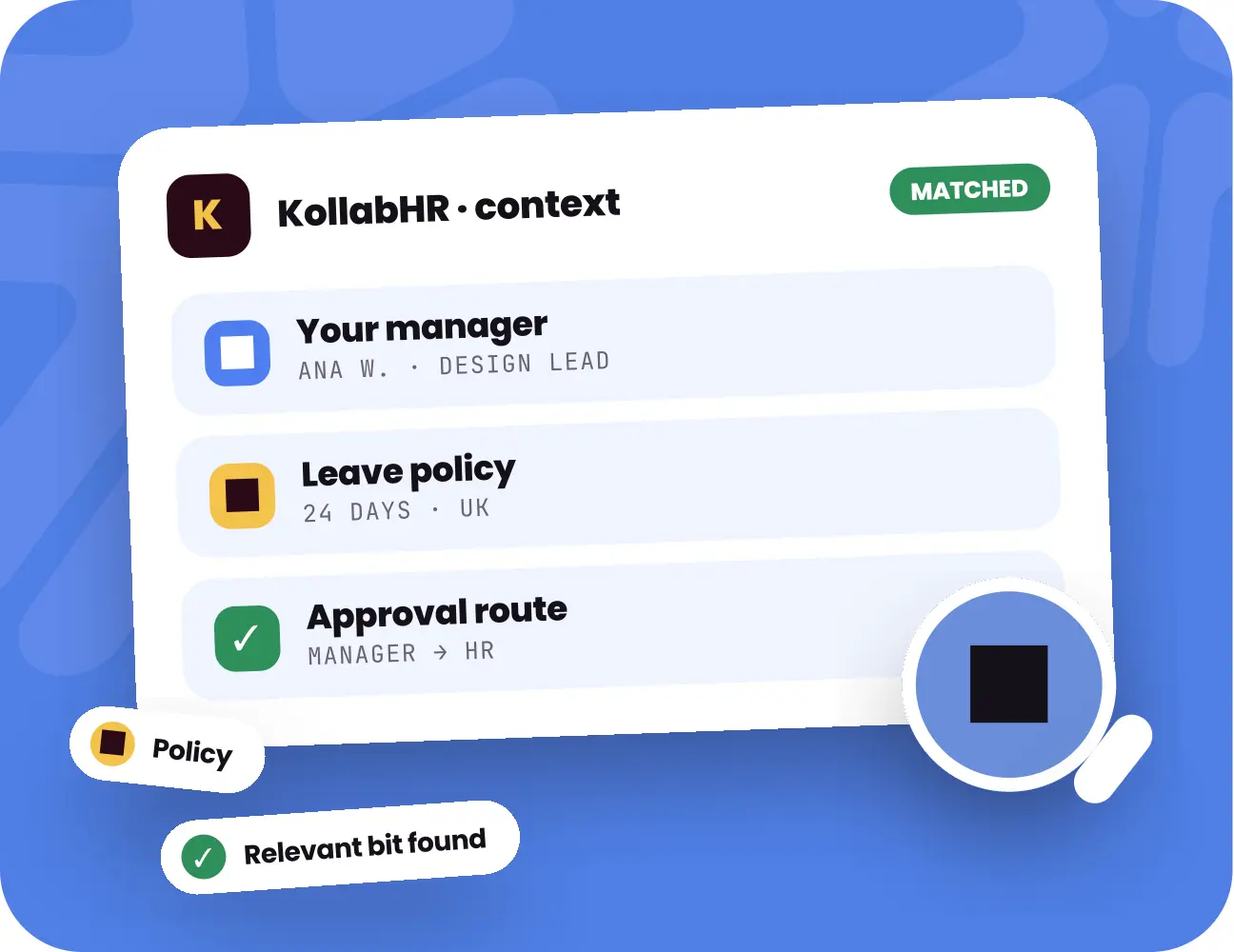 Understand
Manager, policy, and approval route — the full picture pulled from your data.
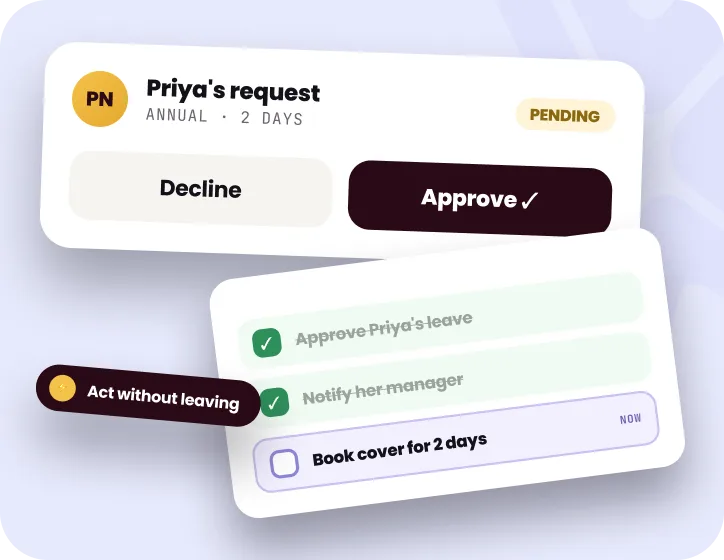 Act
Approve, decline, or hand off — the next step, done right from the answer.
Connected experiences should respect KollabHR’s role and access model so people only receive the HR context their account is allowed to use.
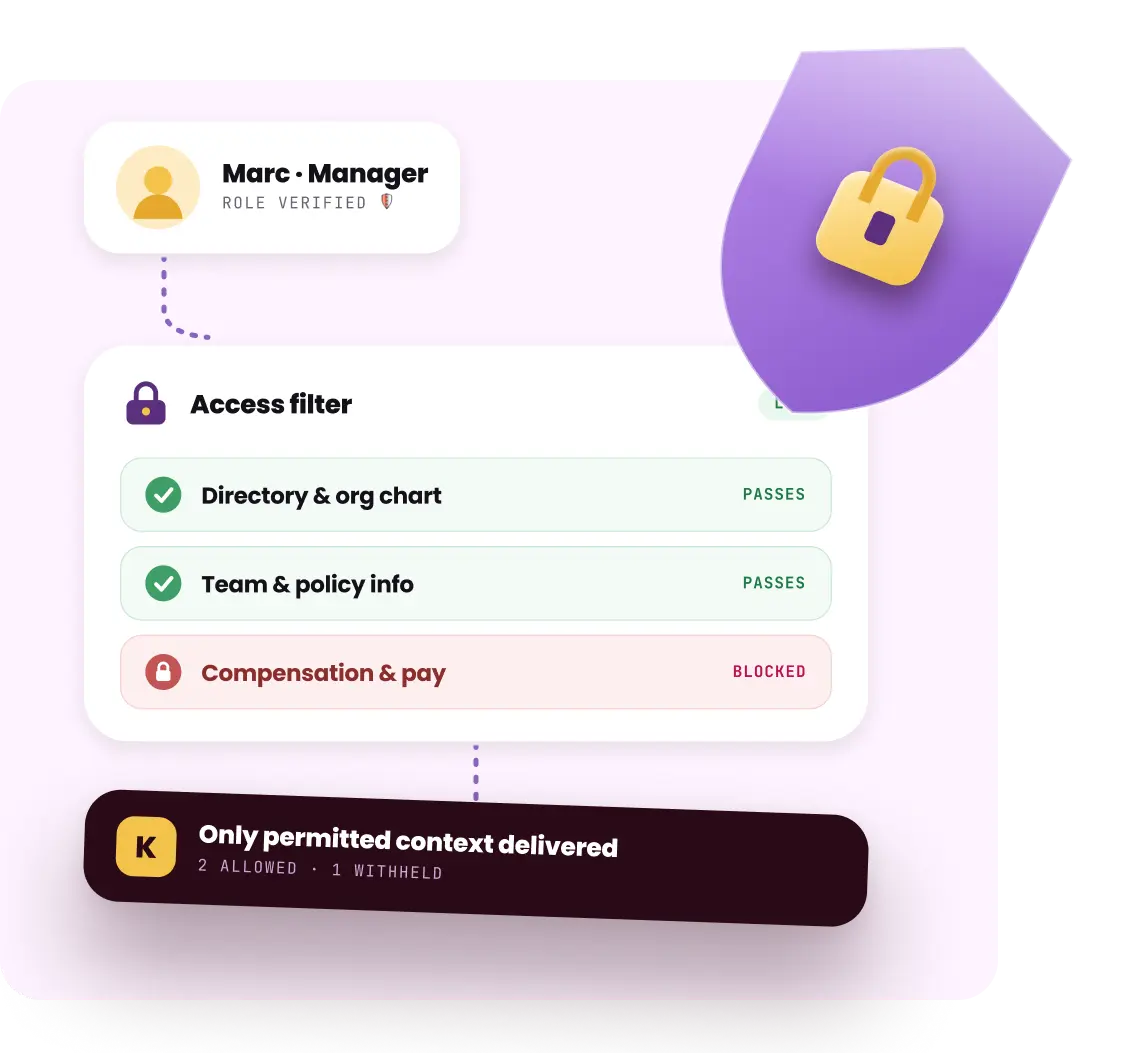
The assistant checks your permissions before it responds — allowed context comes through, restricted fields stay blocked. Same access model as the rest of the platform.
Leave, availability, and balances — answered before you plan the week.
Roles, reporting lines, and team structure, mapped in plain language.
Notes, reviews, and comments — pulled straight from the record.
Teams, Claude, ChatGPT — HR answers without leaving your tools. Slack keeps you posted with the same updates.
Who Uses The Assistant, What It Can Do, And How KollabHR Connects To Your Tools.
Company administrators use the assistant in the KollabHR company portal. The employee portal and the mobile app, which employees and managers use, do not include the assistant.
Yes, but only after you confirm. For example, it can create an announcement, a department, a role or an employee, enter or approve a leave request, handle timesheet weeks and start an onboarding or offboarding workflow.
Yes. The assistant sees only what your own role and locations allow, exactly like the screens, so pay, birth dates and bank details appear only to people allowed to see them.
Yes. KollabHR has an MCP server, so a company administrator can connect an AI assistant that supports MCP, such as Claude or ChatGPT, and ask it about their HR data. The connection is read only and limited to that administrator's own permissions and locations.
In your AI assistant's connector settings, add KollabHR with the MCP server address https://app.kollabhr.com/mcp, then sign in with your KollabHR administrator account and approve access. HR can see and revoke every connection under Integrations in KollabHR.
Yes, for time off. After HR connects your Slack workspace, employees can check their balance, history, policies and holidays, see who is away and request or cancel time off in Slack, and approvers can approve or reject requests from a Slack message. HR can also post a daily summary of who is away.
Yes, for time off. After HR connects your Microsoft 365 organization, employees use the KollabHR app in Teams to check balances, history, policies and holidays, see who is off and request or cancel time off, and approvers approve or reject requests from cards in Teams.
See where KollabHR can
meet your team.
Start with the platform. Add the assistant and connected workspaces as your team needs them.




Start with the platform. Add the assistant and connected workspaces as your team needs them.